
Customize Your Software for the Season: Menus That Follow the Work
How quickly your team can answer a customer depends partly on where each person starts inside the software. Agrosoft lets every user build a customized menu for the processes they use most. Setting those menus up before the busy season puts the right screens within reach of the people who need them.
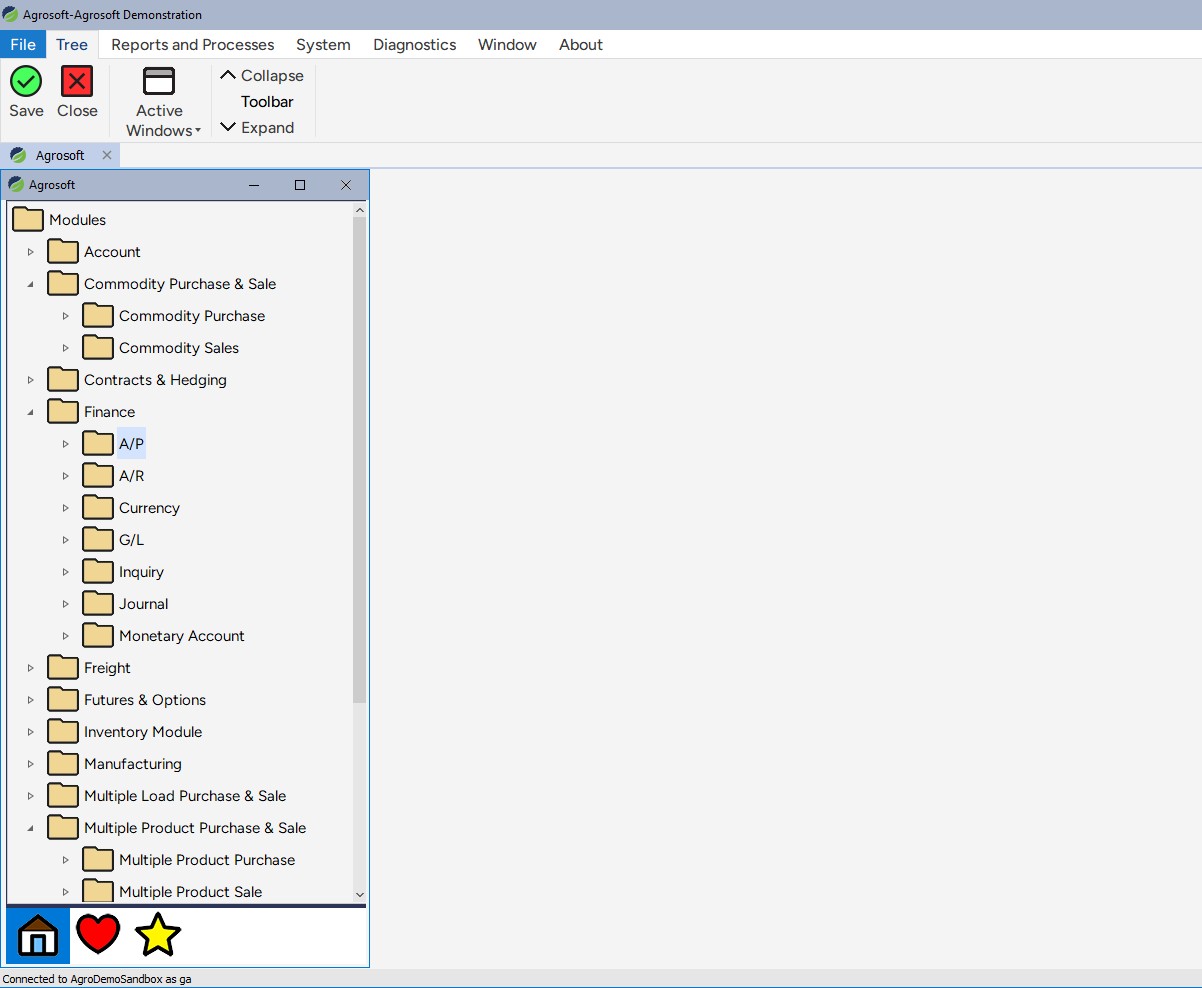
Build Each User's Menus Around Their Own Work Flows
Agribusinesses often support several business lines at once: grain procurement, feed, fertilizer, and other crop inputs such as seed or chemical. A person working one of those lines should not have to go through multiple screens to reach the processes they use all day.
In Agrosoft, each user can create a customized menu for rapid access to their most frequently used processes. If you are in charge of grain procurement, you can put the grain contracting and grain delivery screens first on your menu. The goal is to keep response time to customer inquiries as short as possible, without moving through multiple screens or into a separate system to get the information you need.
Next step: For each person on your team, identify the processes they use most and place those first on their menu.
Change the Menu as the Season Changes
Work shifts over the year, and so do the screens people need first. In crop inputs, the timing is tight: you might do 90% of your crop inputs business within a short window period during the spring planting season.
Agrosoft allows for this. At different times of the year, a user may want different functions readily available, and the menu can be set up to match. That way, decisions can be made quickly and product delivered when it is needed, without people searching for the right screen.
Next step: Before each busy period, ask each user which functions they will rely on most over the coming weeks, and suggest they update their menu to put those first. Note that items on the menu can be easily added or deleted, or moved around with our drag-and-drop interface.
Related questions
Why should an agribusiness change software menus during the year?
Different times of year call for different functions. Crop inputs activity can be concentrated in a short window, and the screens a person needs in spring may not be the ones they need at other times. Agrosoft lets each user set up a customized menu, so the functions they need at a given time are within easy reach.
What can a user put on a customized menu in Agrosoft?
Each user can build a menu around the processes they use most often. For example, someone in charge of grain procurement can put grain contracting and grain delivery screens first.
How does a customized menu help with customer response time?
It reduces the number of screens a user has to move through to find what they need. The goal is a faster response to customer inquiries, without going through multiple screens or into a separate system.
Read Next: Grain Bank Accounting and Building Confidence in Financial Reporting
Start here: Understanding the Complete Picture: Both Sides of Your Customer Relationship